Fixing Blurry Faces in Old Photos: When AI Face Restoration Actually Works
Blurry faces are the hardest thing to fix in old photos. After testing GFPGAN on dozens of portraits and group shots, here is when face restoration works and when it makes things worse.
There is a picture of my parents on their first date — 1973, sitting in a diner booth — where my dad's face is just slightly out of focus. Not terrible, but enough that you can't really see his expression. For years I just accepted it. Then I discovered face restoration AI.
The results were not what I expected. Some photos came out astonishingly good. Others came out weirdly wrong. Here is what I learned about when face restoration actually helps.
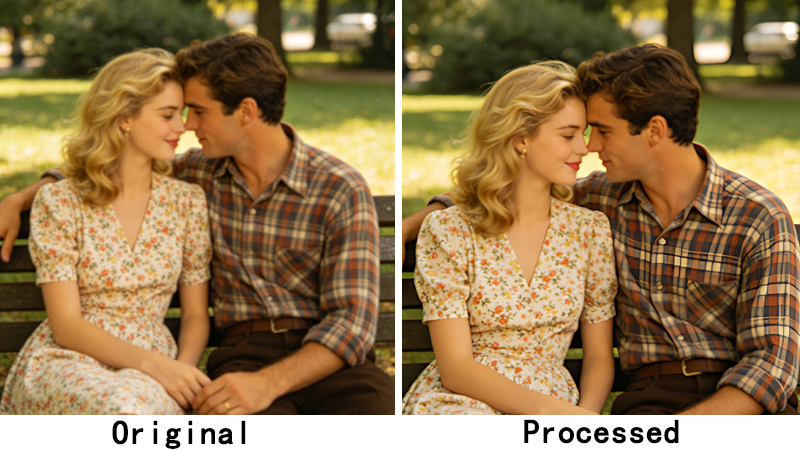
The difference between blurry and tiny
This distinction matters. A face that is genuinely blurry — soft edges, no clear detail — can often be improved dramatically. The AI is working with a decent amount of pixel data; it just needs to sharpen and reconstruct. A face that is tiny — like someone in the background of a group shot occupying 30×30 pixels — is much harder. There simply isn't enough information for the AI to work with.
My rule of thumb: if the face is at least 80×80 pixels, face restoration usually helps. Below that, results get unpredictable.
GFPGAN v1.4 vs v1.3: a practical difference
GFPGAN has two main versions and they serve different purposes. Version 1.4 prioritizes keeping the person recognizable — it will preserve more of the original face structure even if that means slightly less enhancement. Version 1.3 pushes for maximum clarity and may slightly alter facial features in the process.
For family photos, I always use v1.4. I would rather have a slightly softer photo where my dad still looks like my dad than a razor-sharp photo where he looks like a generic AI-generated person. For photos where identity matters less — like old newspaper clippings or historical images — v1.3 is fine.
When face restoration makes things worse
There are cases where you should skip it entirely. If the person is wearing glasses, AI sometimes interprets the frame as part of the face and creates strange artifacts around the eyes. If the photo has strong shadows across the face — like from a hat brim or window blinds — the AI may try to “correct” the shadows, resulting in unnatural lighting. And if the face is already sharp and clear, additional processing can only degrade it.
My workflow for faces
After processing a lot of family photos, here is my approach now:
- Restore the whole photo first (scratches, fading, etc.)
- Check the faces. If they're already clear, stop here.
- If faces are soft or blurry, run face restoration at the default settings.
- Compare. If the result looks processed, dial back the settings.
- Upscale the final result — never upscale before face restoration.
That sequence has given me the most consistently natural results. The dad-at-the-diner photo now sits framed on my desk, and his expression is finally clear enough to see. It's not perfect — it never will be — but it is him, and that is what matters.
Fix blurry faces in your old photos. ClarifyPix Face Restoration uses GFPGAN to recover facial detail while preserving identity. Costs 4 credits per image.